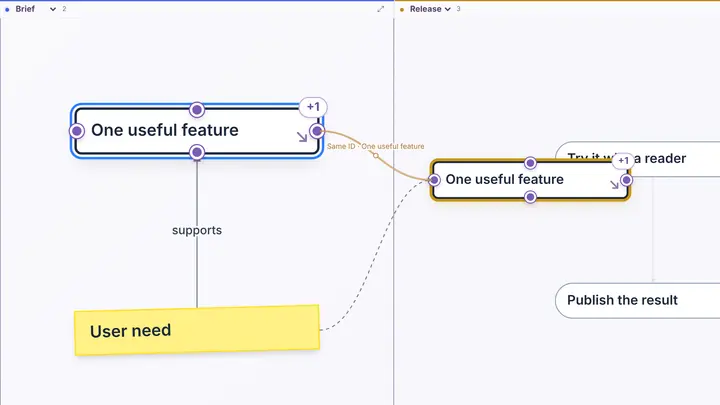
01 / 2 sheets · 4 entities
Start with two sheets
Drag an entity to the other sheet. Edit its text and follow the gold line.
PlyLoom / Examples
Every example is fictional. Open one in the browser, or download it for your local copy of the app.
01 / 2 sheets · 4 entities
Drag an entity to the other sheet. Edit its text and follow the gold line.
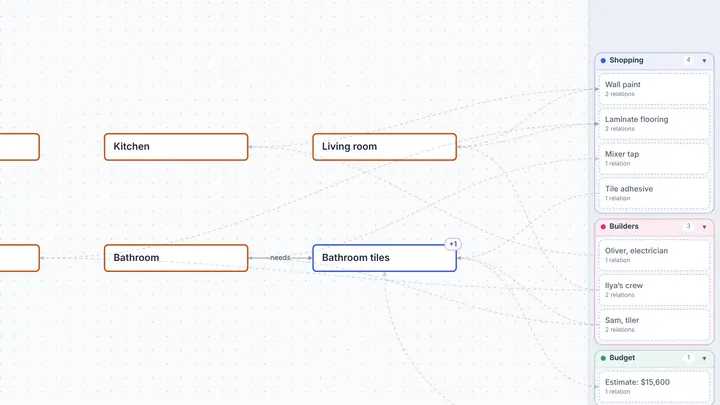
02 / 6 sheets · 22 entities
Rooms, shopping, budget, builders and documents, each on a sheet of its own. The bathroom tiles stand on two at once, and the limit sits on a private sheet.
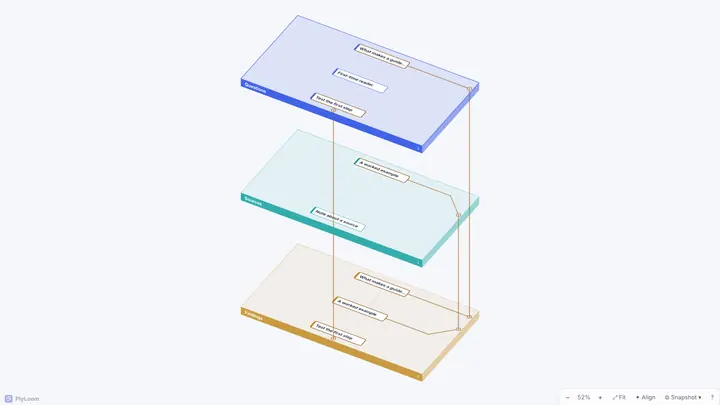
03 / 3 sheets · 5 entities
One question connects sources, checks and findings.
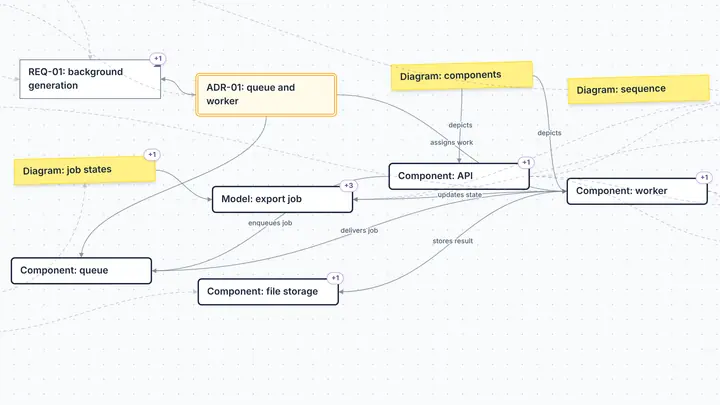
04 / 8 sheets · 40 entities
Follow a shared requirement through architecture, implementation and tests.
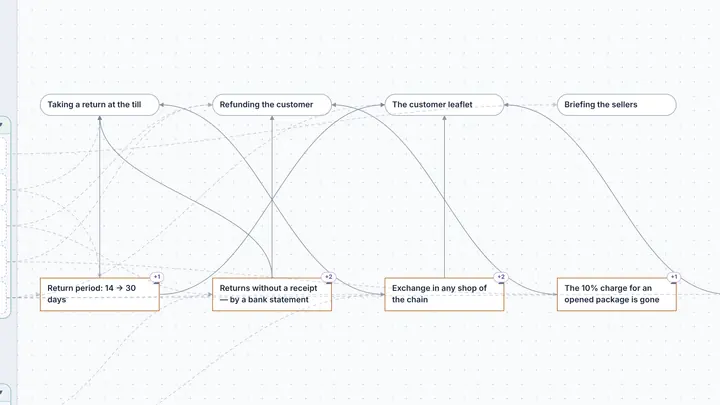
05 / 5 sheets · 19 entities
Changes, affected processes and actions — and a private sheet for your own view.
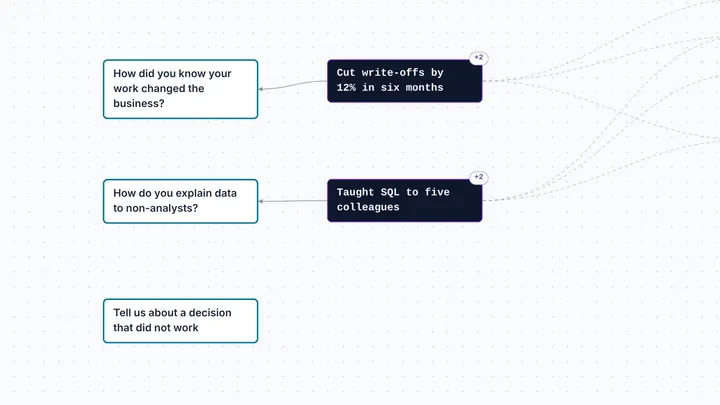
06 / 8 sheets · 22 entities
One achievement stands in two CVs; contacts are a private node.
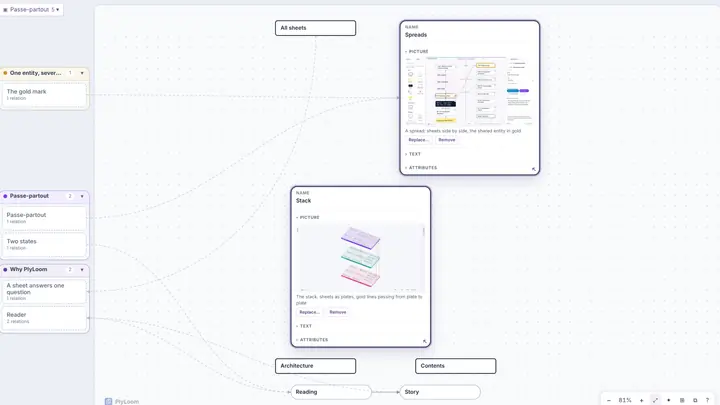
07 / 10 sheets · 37 entities
A map that explains PlyLoom by its own means: pictures in nodes and a twelve-step story — open Story → Watch.
Examples use separate workspaces and do not replace your main map. Changes stay in this browser. For a portable copy, choose Project → Download .plyloom.